Members do it themselves!
Signup and the member portal
Members join from your own Shopify store and manage their share from their Shopify account. Every member is a real Shopify customer, and you answer fewer emails.
Book a 20-min demo
Their next box, at a glance
My CSA lives in their regular Shopify customer account. The top card shows when and where their next box is, what is in it, and how long they can still change it.
How the member portal worksSkip a week, add extras
Members skip and unskip boxes and add one-time extras like eggs, right up to your change cutoff. A skipped box comes off billing and the pack list by itself.
How skips workSwaps and never-includes
Members swap items every week or for one delivery, and mark what they never want. Swaps print on the pack list, and when a swap changes the price, the difference is billed or credited for you.
How to set up swapsA pause before a cancel
When a member goes to cancel, Copia offers a pause first, or skipping just their next box. Pauses start and end on their own dates.
How pauses work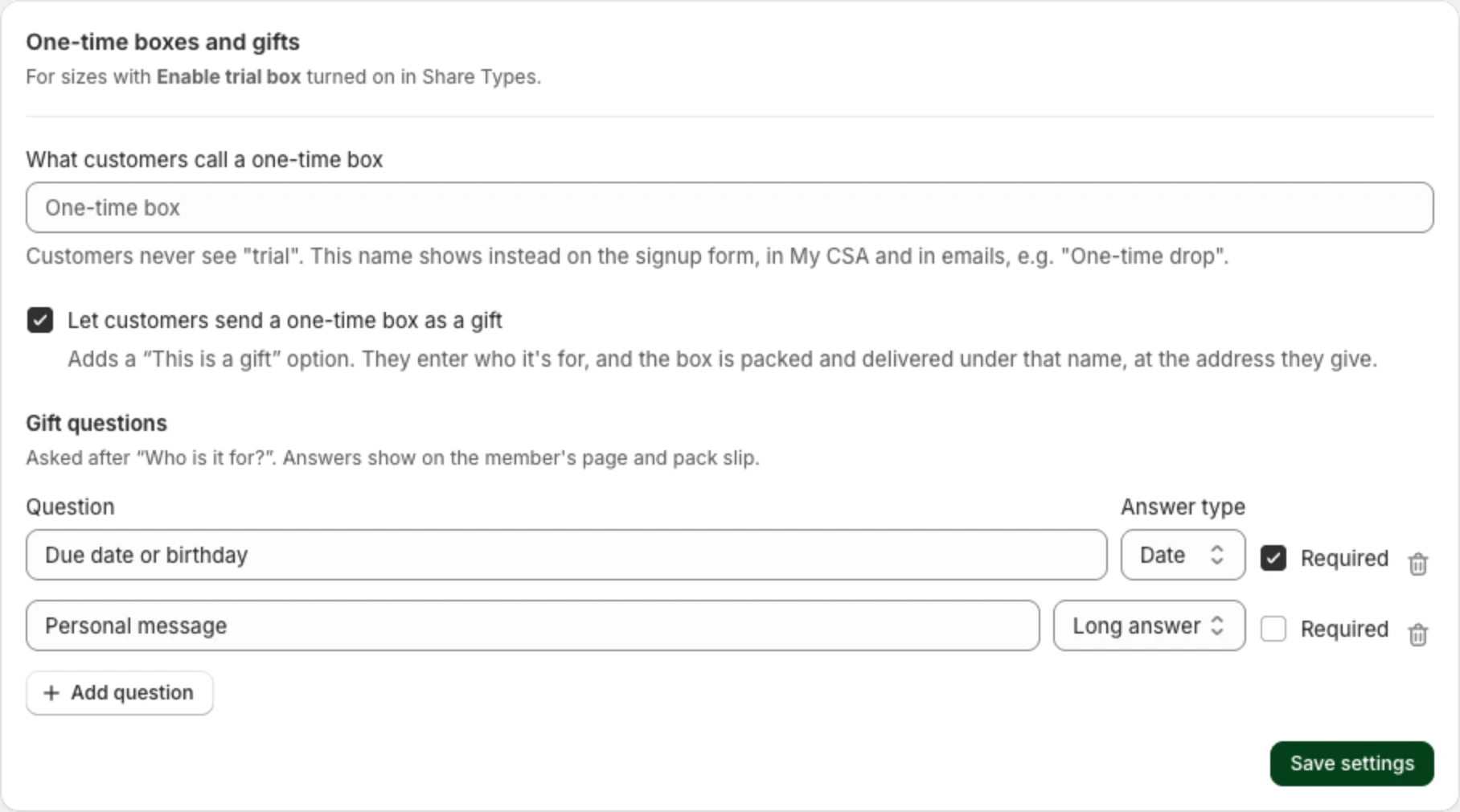
Waitlists and one-time boxes
When a share is full, new signups join a waitlist instead of being charged. One-time boxes let people try you before a season, and buyers can send one as a gift.
How to set up a waitlistDiscover more!
20 minutes with Trevor
Bring your share sizes and pickup spots, and we’ll walk through how they’d run in Copia.
Book a 20-min demo