Add-ons
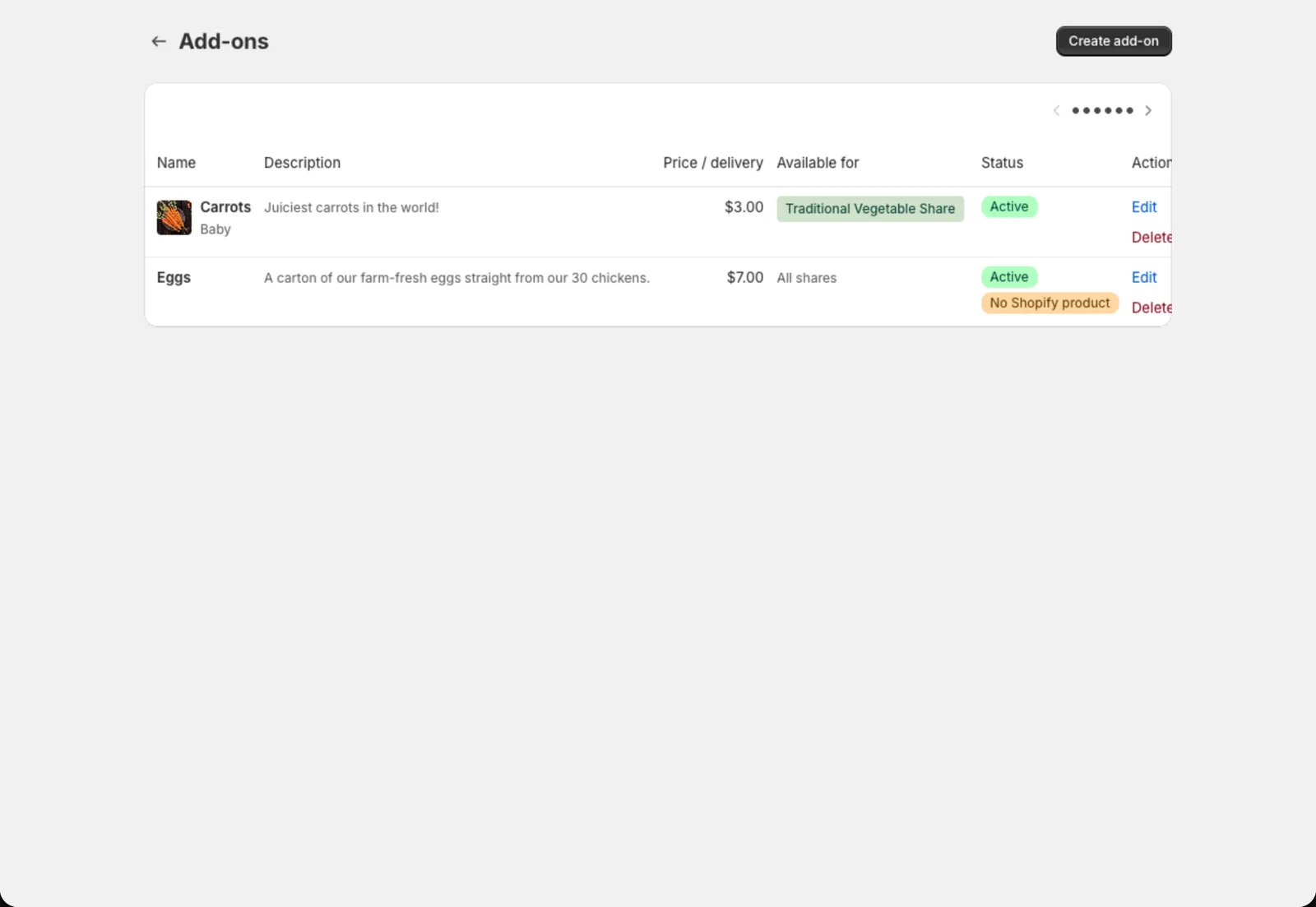
Sell extras like eggs, bread or flowers alongside a share, every week or just once.
Add-ons are extras members can add to their share, like a dozen eggs, a loaf of bread or a flower bunch. They’re billed together with the share and show up on the pack list next to the box.
Create an add-on
- Go to Copia → Share Types and click Add-ons.
- Click Create add-on.
- Search for and select the Shopify product for the add-on. Every add-on needs one, so create it in Shopify first.
- Fill in the details:
- Name and description: what members see
- Price per delivery
- Unit (dozen, loaf, pint…): shown on harvest totals and the pack list
- Max quantity per member: set it to 1 to hide the quantity picker
- Choose the Allowed delivery frequencies: every delivery, every other delivery, monthly, or just once.
- Under Available for, pick which share types can add it. Leave it blank to offer it with every share type.
- Click Save.
Every other delivery: whose schedule?
For add-ons that come every other delivery or monthly, Delivery cadence counts from decides which weeks they land on:
- Member: counts from the member’s own first delivery
- Season delivery #1: everyone gets it on the same weeks, which makes packing simpler
Adding an add-on for a member
Members can add add-ons at signup or later from the member portal. You can also add one yourself: open the member, scroll to Add-ons, and click Add an add-on. For a one-off extra on a single delivery, open that delivery from the member’s upcoming deliveries and use Add for this delivery.
Turning an add-on off
Uncheck Active to hide an add-on from the signup form. Members who already have it keep it.